
Outlook for Windows
Enter your email address, done
Classic Outlook connects to Mailoplex just as it does to an Exchange server. Outlook finds the server by itself via Autodiscover. You don’t need any add-on.
- Outlook from Microsoft 365 Apps, Outlook 2016, 2019, 2021 and 2024
- Folders, rules, categories and search as usual
- Shared mailboxes appear automatically
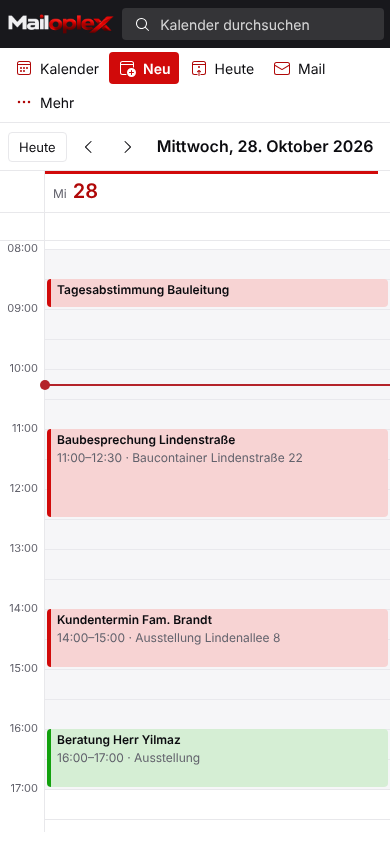
- Calendar, contacts, tasks and notes are synchronised
What Outlook does in the background
Input:    anna.becker@your-company.com
Lookup:   autodiscover.your-company.com
           → CNAME mail.mailoplex.com
Reply:    MAPI/HTTP  ok
           EWS        ok
           Certificate valid
Result:   Mailbox, calendar, contacts,
           tasks and shared mailboxes
           are set up.
Mailoplex Web
From any computer in the browser
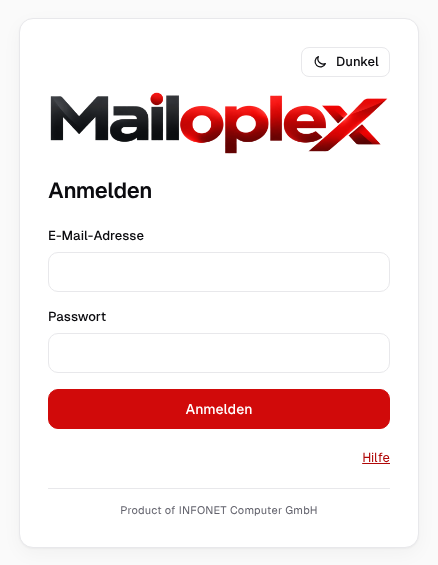
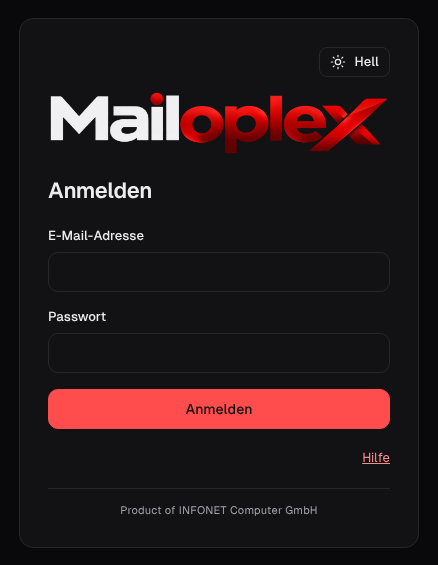
Working from home, on a loan computer or on a tablet: Mailoplex Web runs in any current browser. Nothing needs to be installed.
- Address: mail.mailoplex.com
- Chrome, Edge, Firefox and Safari
- Adapts to screen size
- Light and dark, right from the sign-in page
Smartphone and tablet
The mail app that’s already on your phone
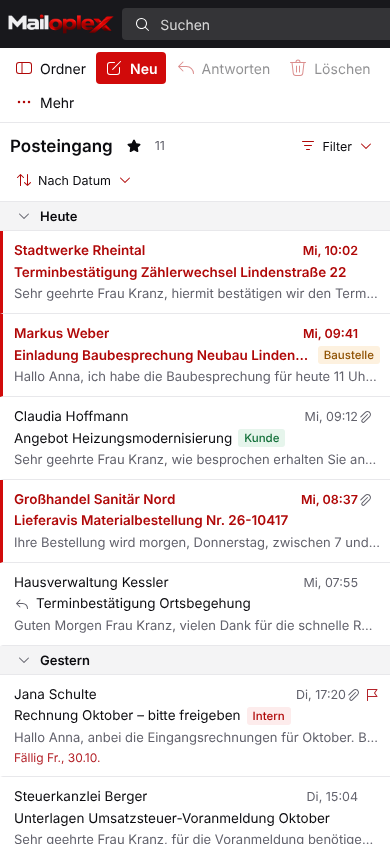
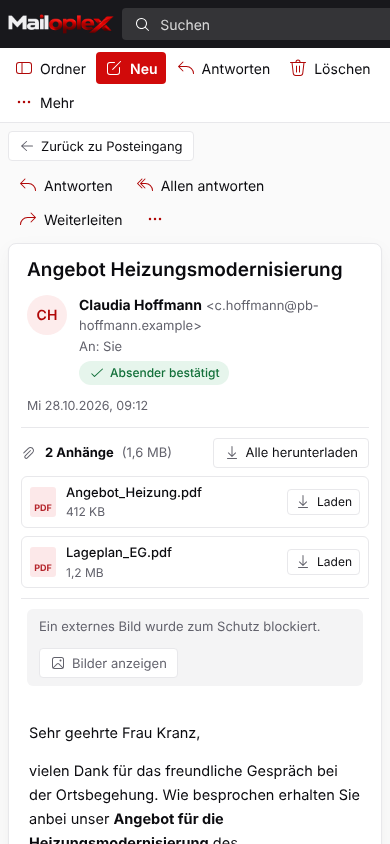
iPhone, iPad and Android devices connect via ActiveSync. Emails arrive instantly, and appointments and contacts are the same on every device.
- Built-in Mail app on iPhone and iPad
- Gmail app and Outlook app on Android
- Push: new emails without delay
- Remote wipe if a device is lost
- Or in the browser with no setup
Overview
Which program connects how
Every route leads to the same mailbox. What you read on your phone is marked as read on your computer.
Note on the new Outlook for Windows: Microsoft’s “new Outlook” currently does not support Exchange servers outside Microsoft 365. Use classic Outlook. It is still included in Microsoft 365 Apps.
| Program / device | Connection | What is synchronised |
|---|---|---|
| Outlook for Windows (classic) | MAPI/HTTP | Email, calendar, contacts, tasks, notes |
| Outlook for Mac | EWS | Email, calendar, contacts |
| iPhone, iPad, Android | ActiveSync | Email, calendar, contacts, tasks |
| Mailoplex Web (browser) | HTTPS | Everything, no installation |
| Thunderbird, Apple Mail | IMAP · CalDAV · CardDAV | Email, calendar, contacts |