
The Outlook feel on your Windows PC
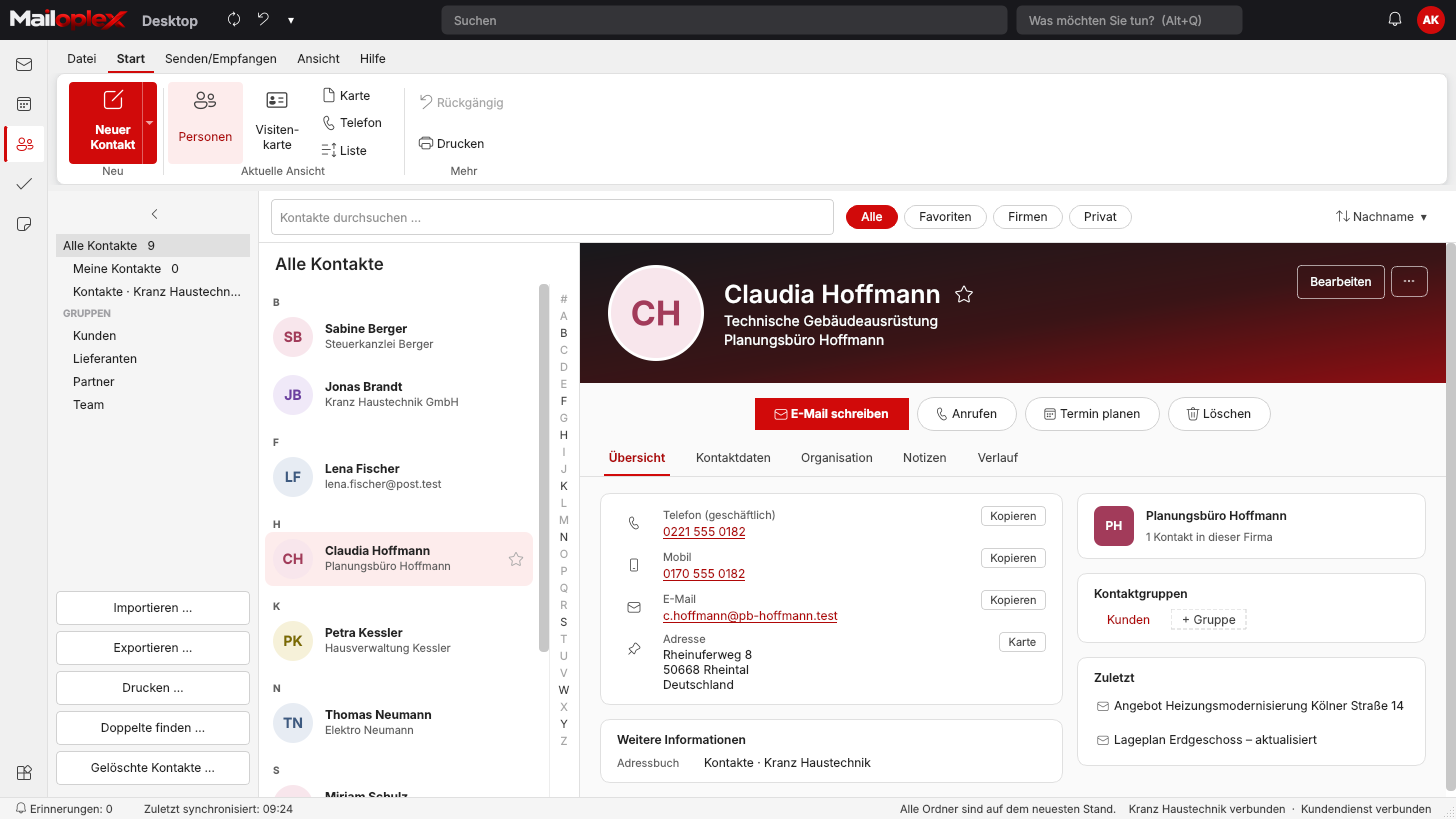
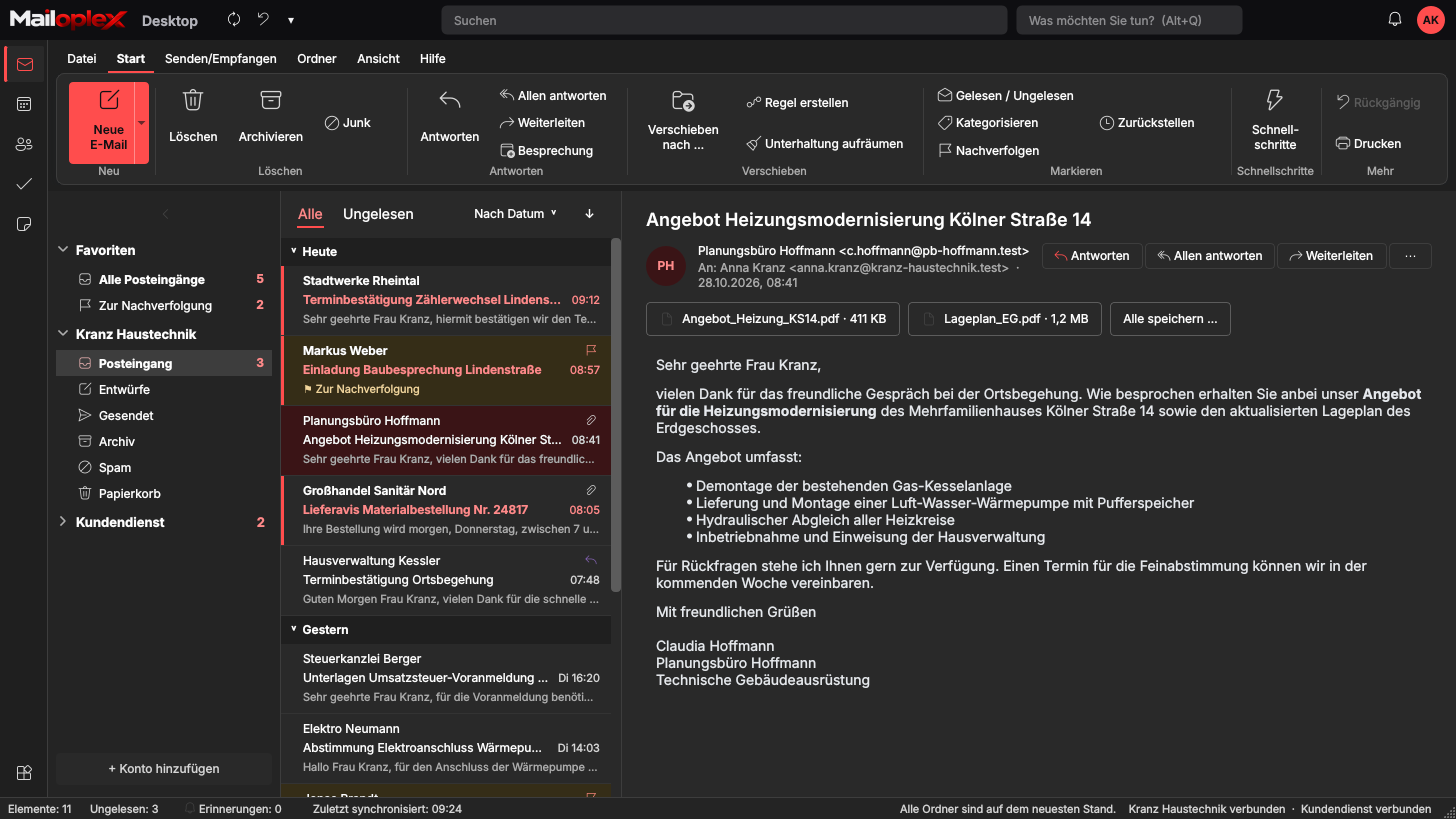
Mailoplex Desktop is INFONET’s own Windows program. Ribbon, folder pane, message list and reading pane are laid out like Outlook, and so are the keyboard shortcuts.
- Ribbon with File, Home, Send/Receive, Folder, View, Help
- Conversations, follow-up, snooze, quick steps
- Search also inside PDF, Word and Excel attachments
- Keeps working offline and syncs on the next connection
Writing
Write emails as usual
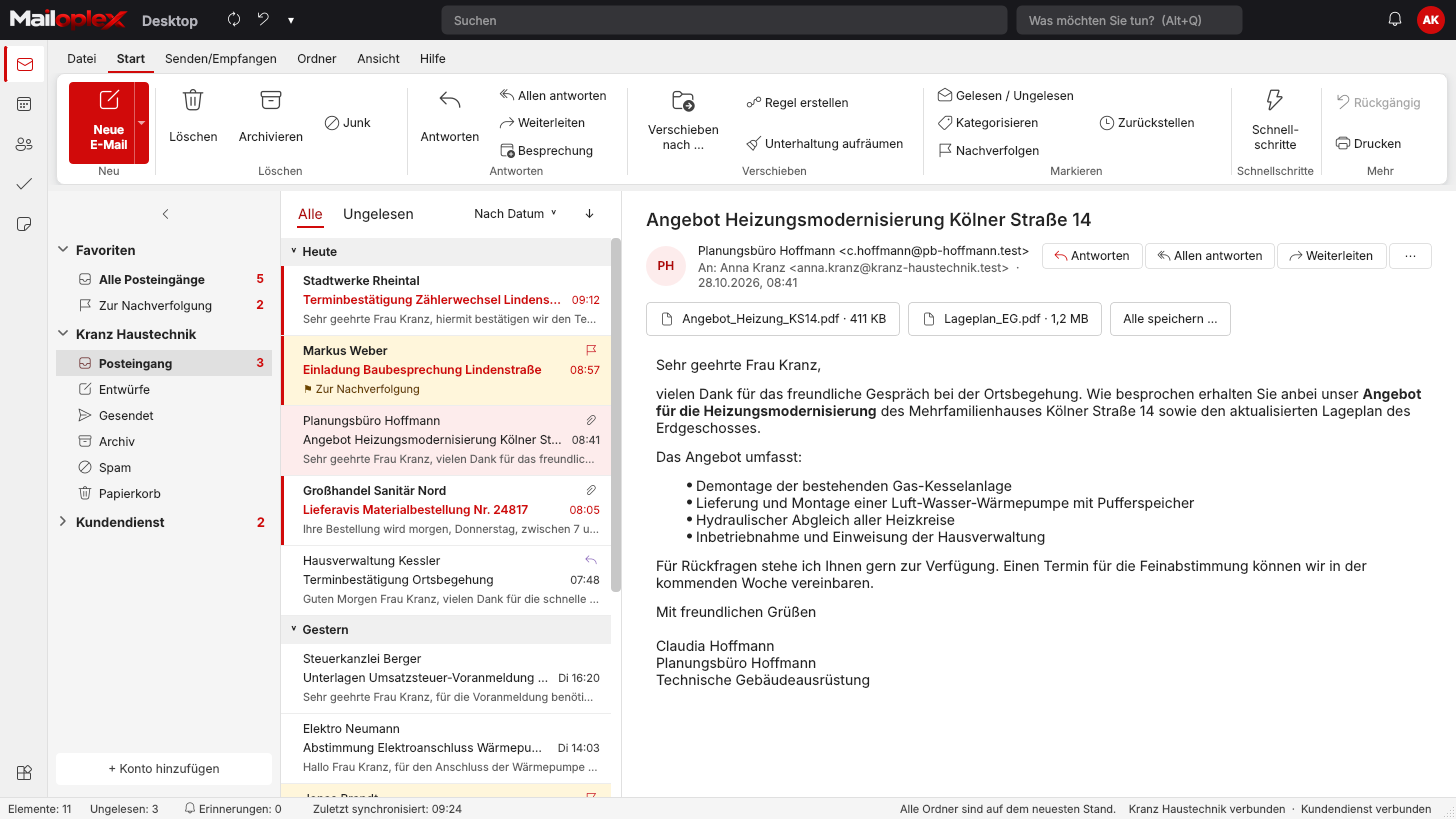
The compose window has its own ribbon. Signatures with logo, templates and spell check are included.
- Formatted text, images and tables from the clipboard
- Send later, importance, read receipt
- “Forgot the attachment?” reminder
- S/MIME: sign and encrypt
Calendar
Appointments at a glance, even side by side
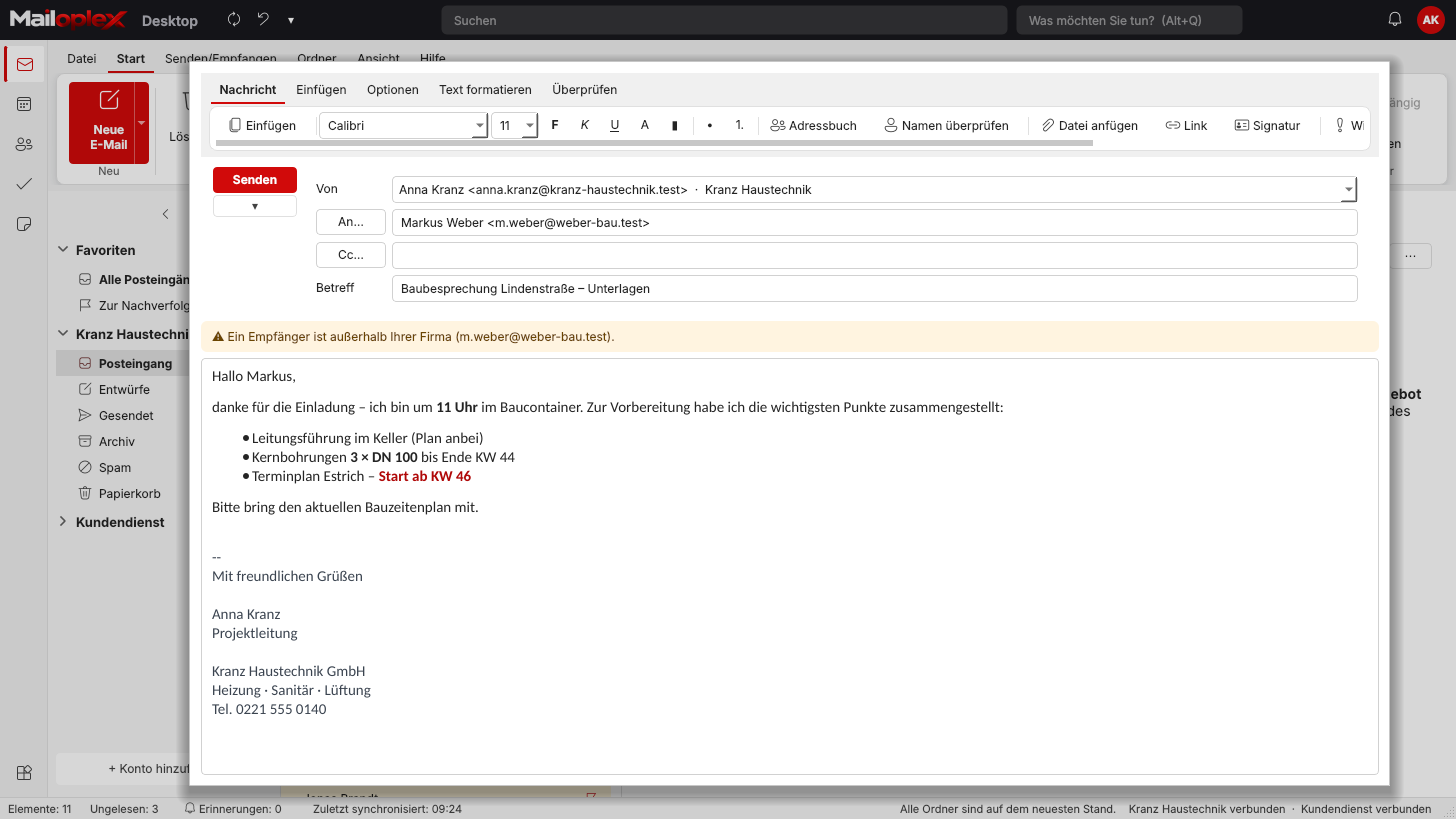
Day, work week, week, month and schedule view. Several calendars can be shown side by side or overlaid.
- Recurring appointments with exceptions
- Move appointments with the mouse
- Public holidays per German state, second time zone
- Reminders as Windows notifications
Contacts
Contact cards with everything that belongs to them
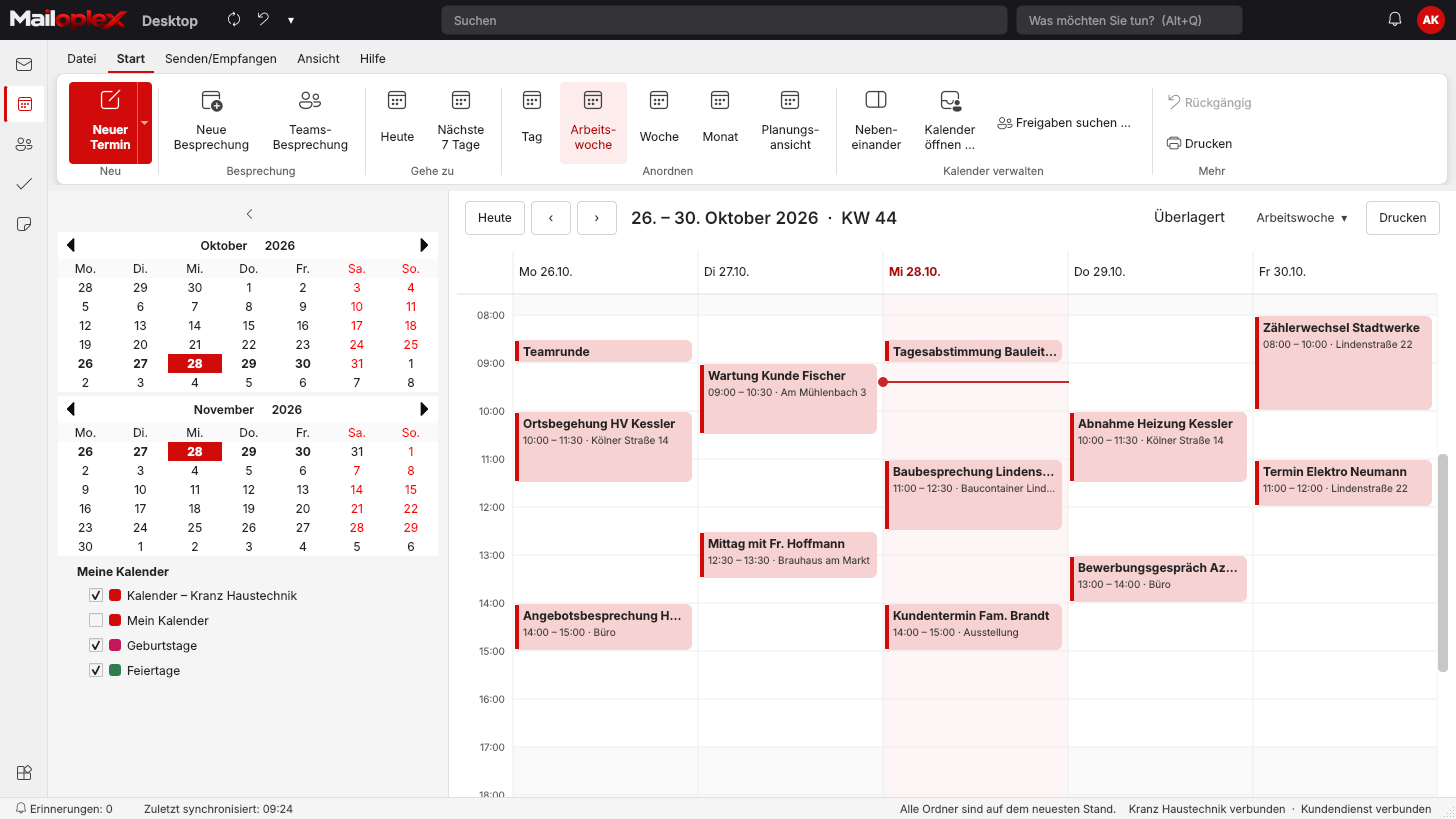
People, business cards, phone list or grouped by company. The contact card shows your latest emails with that person.
- Import from vCard and CSV, including from Outlook
- Find and merge duplicate contacts
- Birthdays in the calendar
Tasks and notes
To-dos and notes in one place
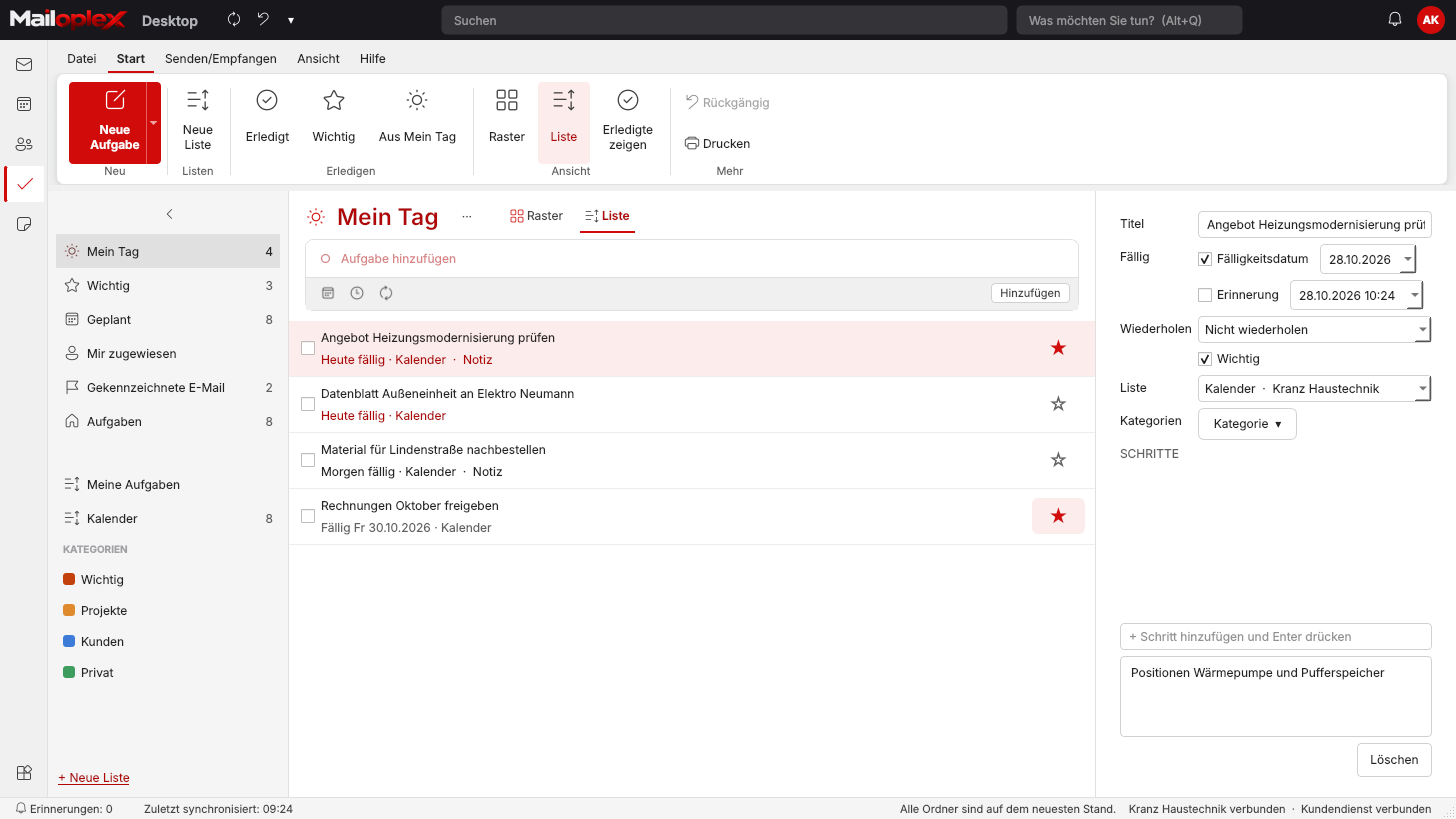
Tasks work like Microsoft To Do, with steps, reminders and recurrence. Notes are stored in the mailbox, so they are the same on every device.
- My Day, Important, Planned, your own lists
- Create a task or note straight from an email
- Print and save as PDF
For IT
Easy to roll out, easy to maintain
Mailoplex Desktop installs without administrator rights. Updates arrive signed from your own server, and IT can set preferences centrally.
- Setup for Windows 10 and 11, 64-bit
- Automatic updates with rollback to the previous version
- Settings via Group Policy
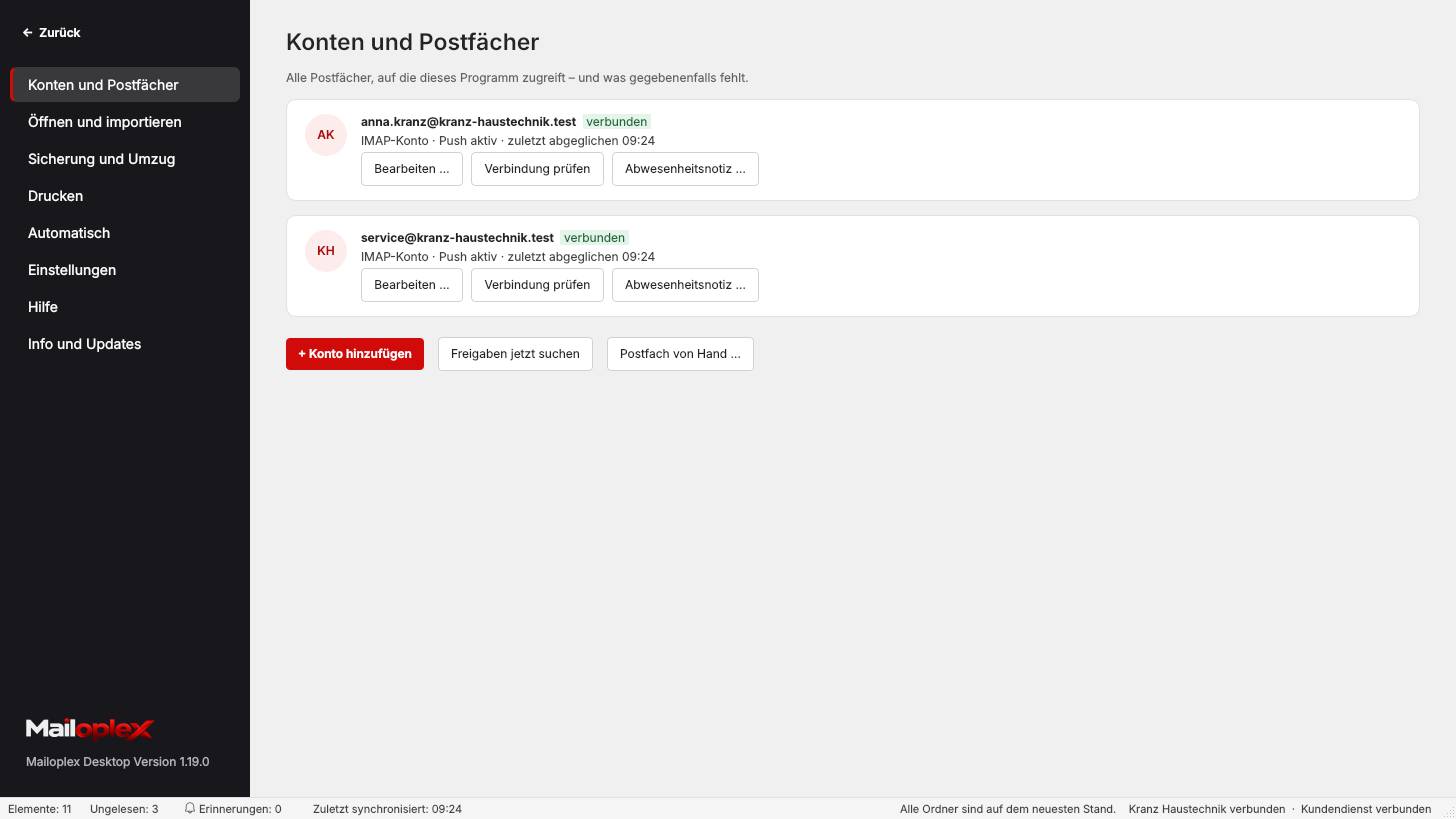
- “Check connection” and error report to IT
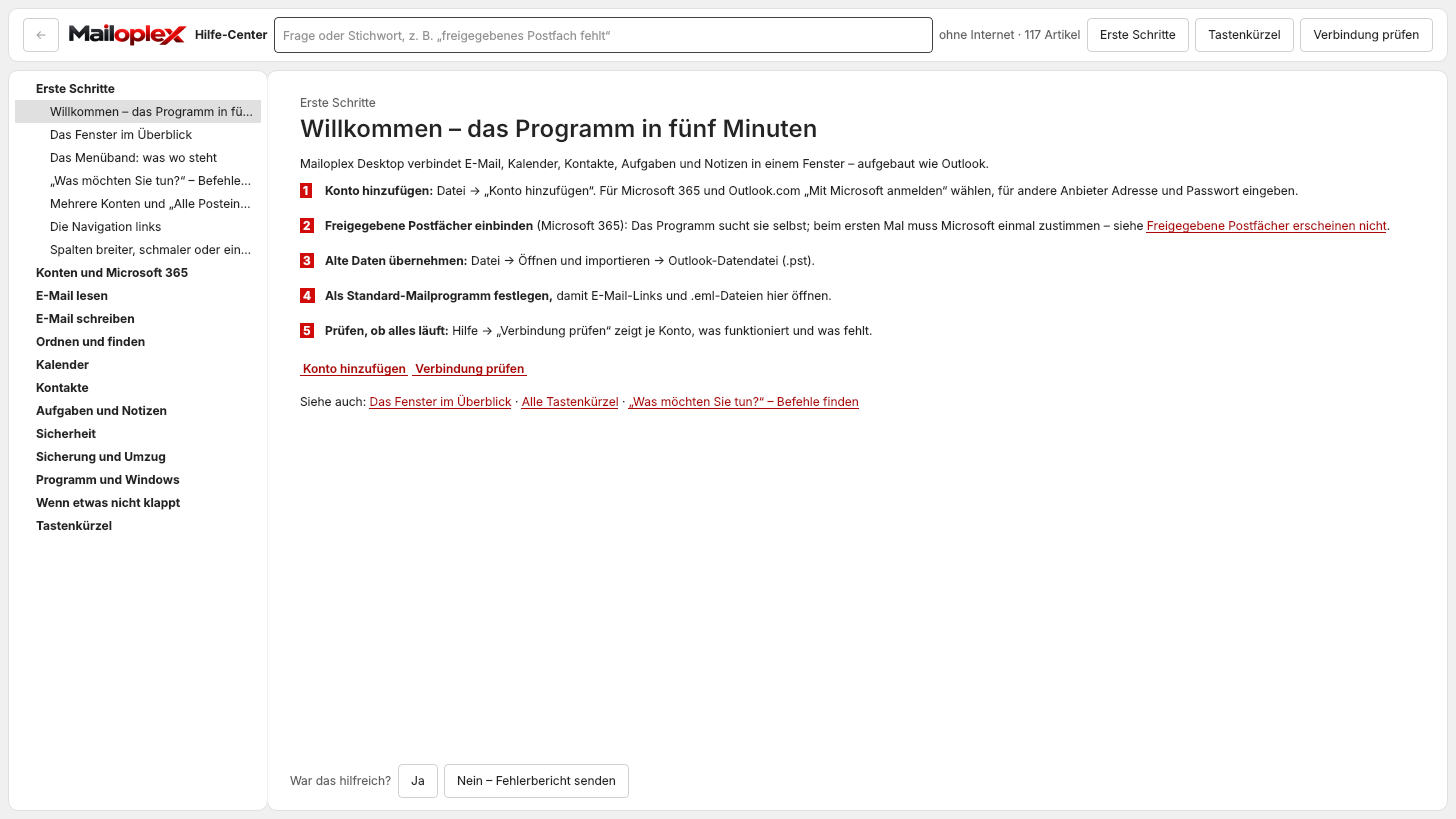
- Help centre with over 100 articles, works offline
Status
Mailoplex Desktop and Mailoplex Server
Mailoplex Desktop already connects to Mailoplex Server via IMAP today. We are currently connecting calendar, contacts and Exchange’s team features. Until then, use Outlook or Mailoplex Web for those.
Mailoplex Desktop also works with Microsoft 365 and common providers such as IONOS, Strato, GMX or T-Online.
| Feature | With Mailoplex Server |
|---|---|
| Email, folders, push, search (via IMAP) | Available |
| Calendar, contacts, tasks, notes | In preparation |
| Out-of-office and rules on the server | In preparation |
| Shared mailboxes such as info@ with “Send as” | In preparation |
| Colleagues’ calendars, free/busy, rooms | In preparation |
| Company directory with job title and photo | In preparation |
| Automatic setup from the email address | In preparation |