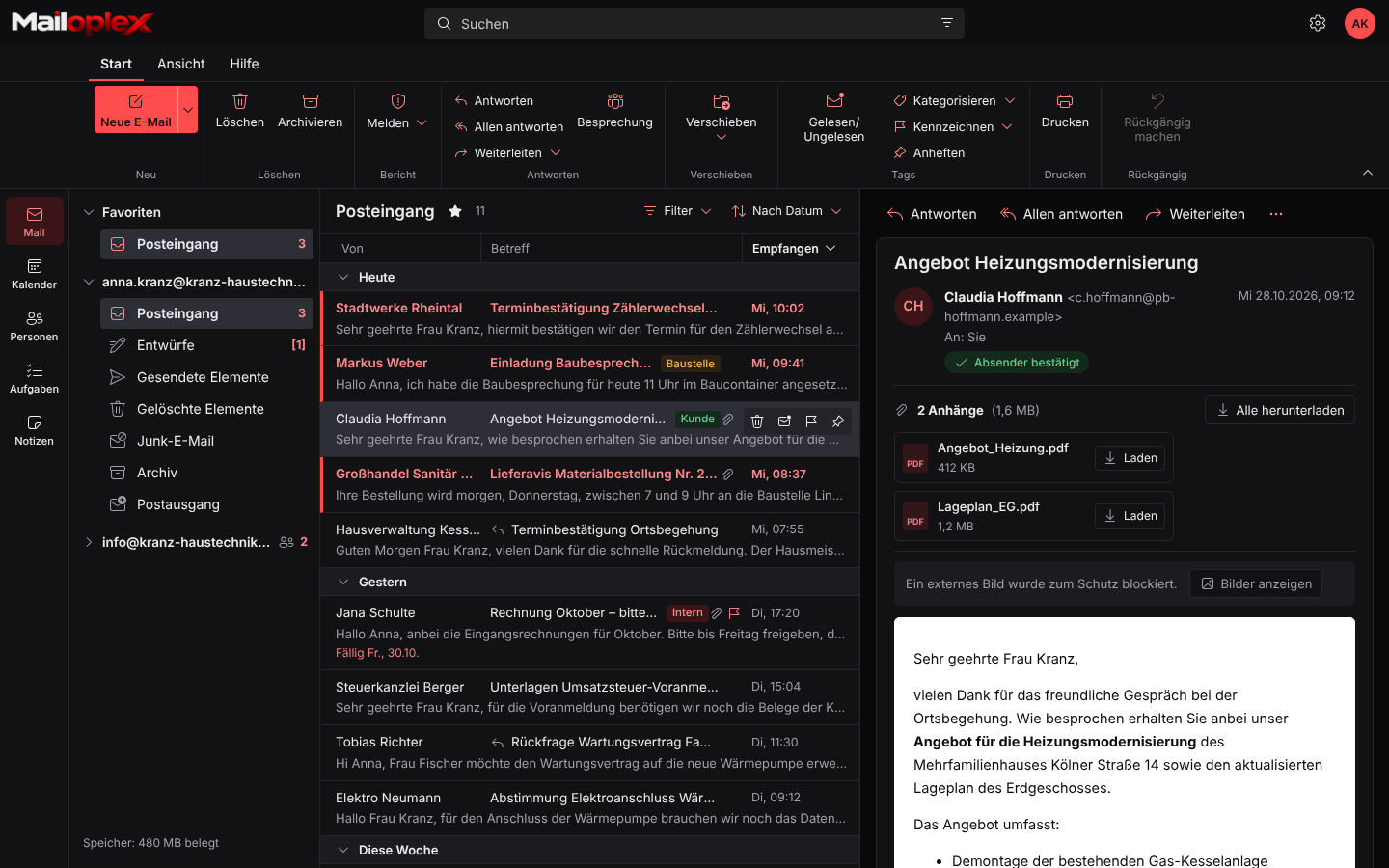
An inbox that feels like Outlook
Mailoplex Web adopts Outlook’s layout and terms. Anyone who knows Outlook feels at home right away. Every button is labelled, nothing hides behind icons.
- Ribbon with Home, View and Help
- Filter by unread, sorting, conversation view
- Categories, flags and pinning
- Reading pane on the right, at the bottom or hidden
- Your own folders and favourites
- Undo after deleting or moving
Shared mailboxes
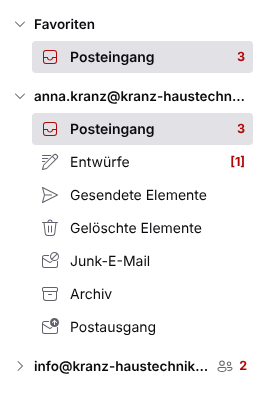
info@ and accounts@ for the whole team
Shared mailboxes appear directly below your own mailbox. Several colleagues work on the same enquiries without sharing passwords.
- Permissions per person: read, edit, send
- “Send as” and “Send on behalf of”
- Sent emails are stored in the shared mailbox
- Also available in Outlook and on the phone
Calendar
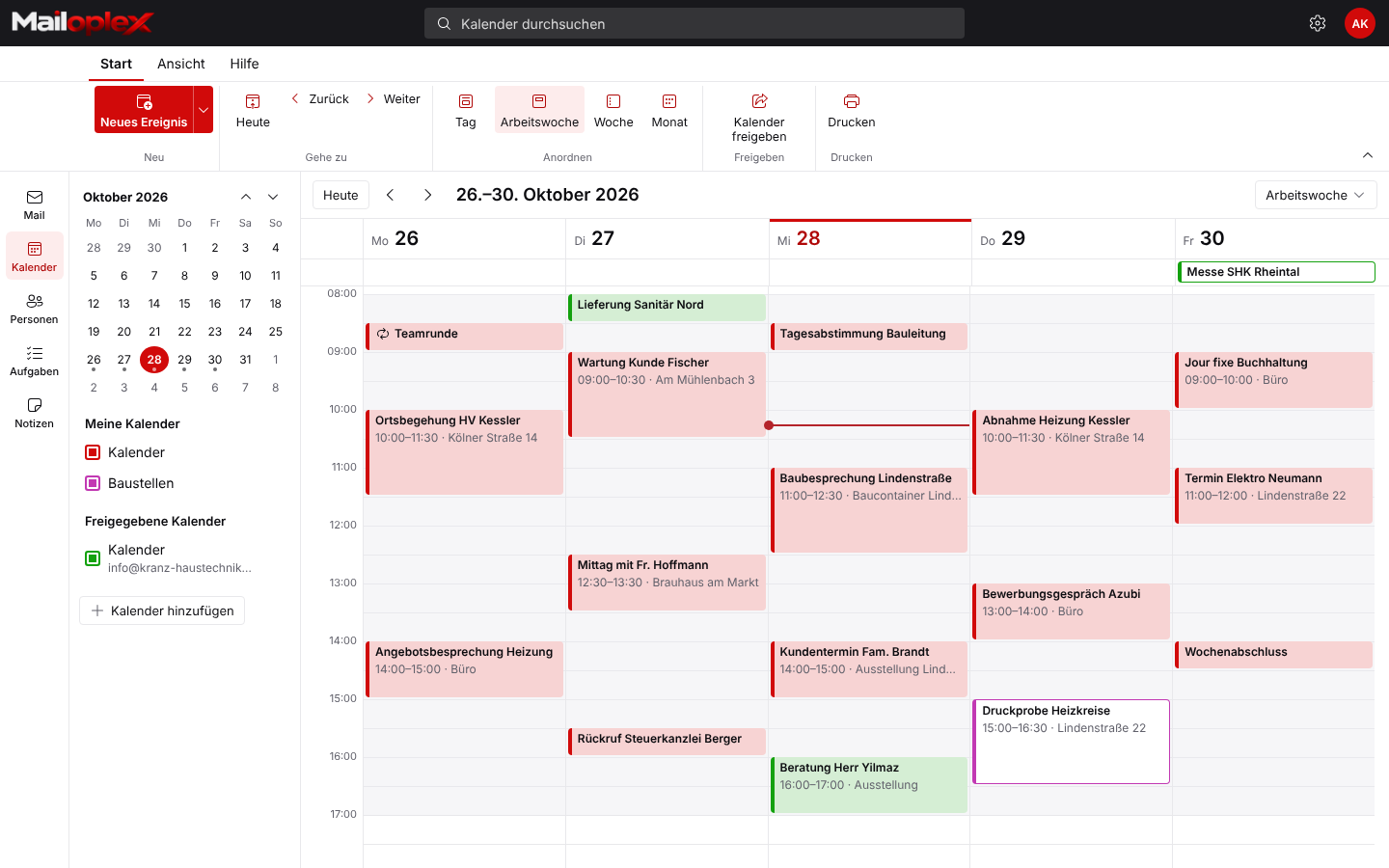
Appointments for yourself and your team
The calendar shows day, work week, week or month. Show colleagues’ and shared mailboxes’ calendars alongside with one click.
- Recurring appointments, including exceptions
- Reminders and all-day events
- Drag to move and extend appointments
- Attach files to appointments
- Search the calendar
Meetings
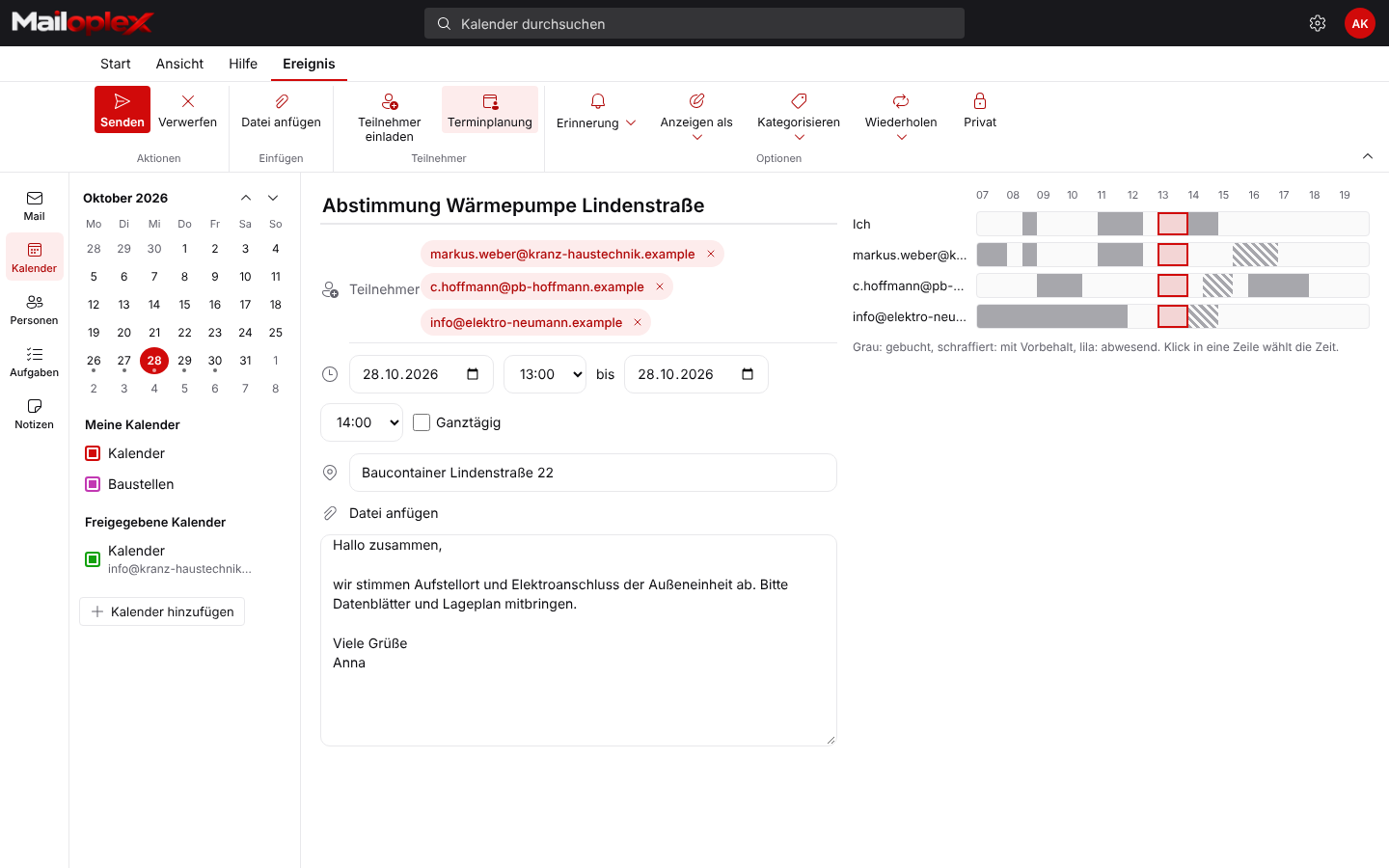
Find the right time without a group email
When planning a meeting you see every attendee’s availability on a timeline. Recipients answer invitations right in the reading pane.
- Availability: free, busy, tentative, away
- Track acceptances, declines and tentative replies
- Invitations also work with Outlook users outside your company
- Mark appointments as private
Contacts
One address book for the whole company
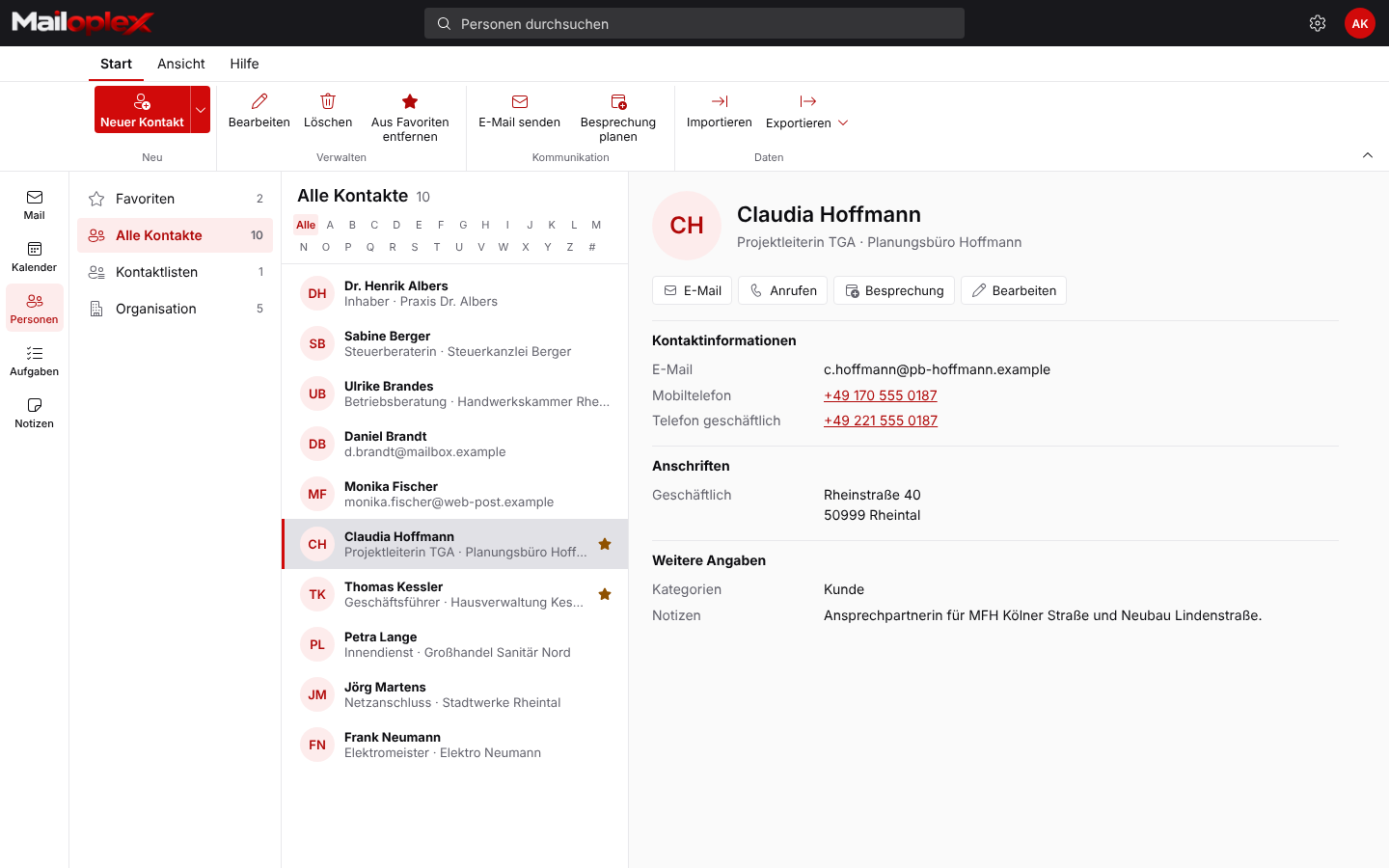
Under People you find your own contacts and all colleagues in the organisation. When you write, Mailoplex suggests recipients automatically.
- Contact cards with photo, company and job title
- Organisation address book
- Contact groups as distribution lists
- Import and export as CSV
- Call, email or schedule a meeting straight from the card
Tasks
To-dos that don’t get lost in the inbox
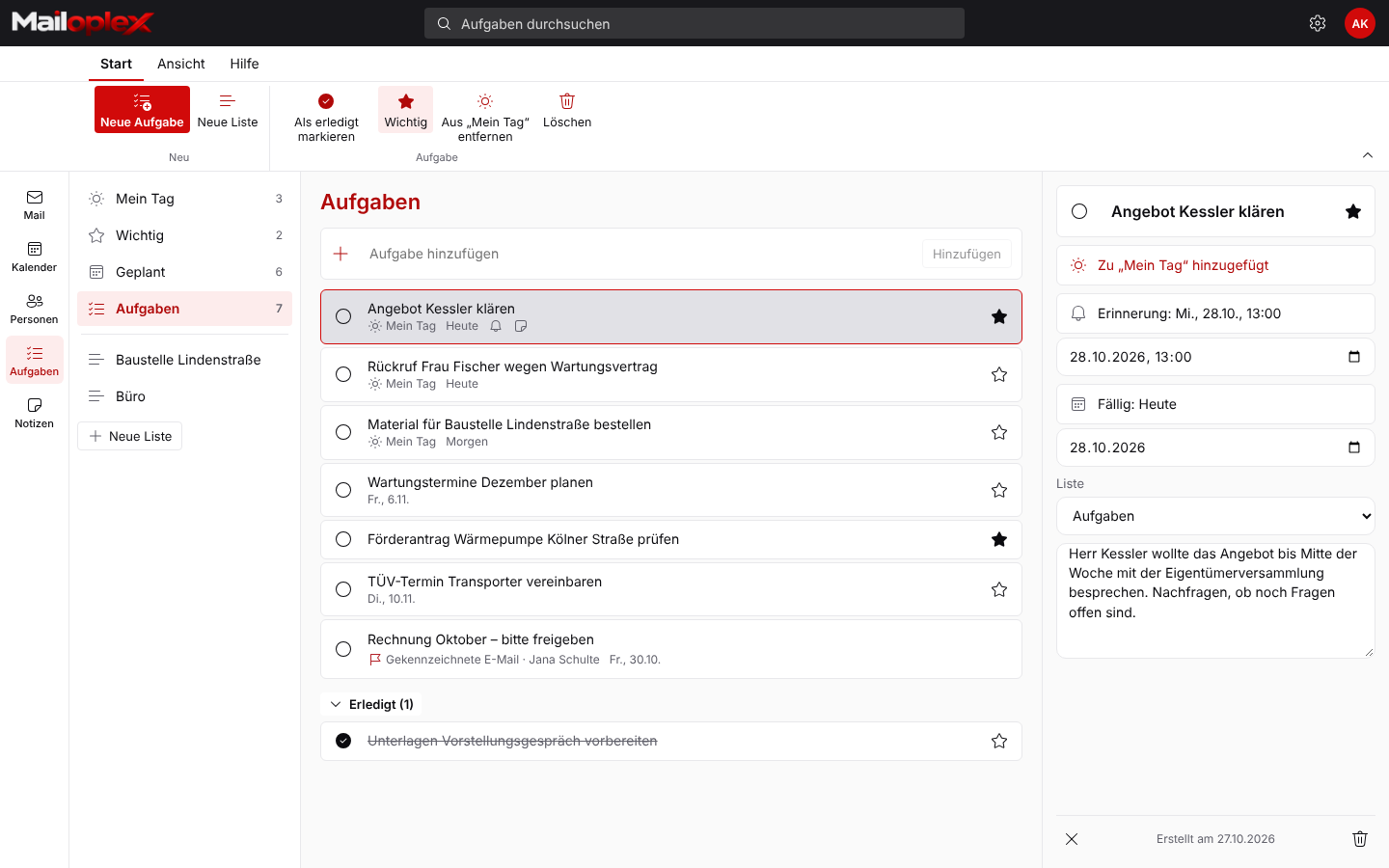
Tasks work like Microsoft To Do. Flagged emails automatically appear as tasks.
- My Day, Important, Planned
- Your own lists for projects
- Due date and reminder
- Flagged emails as tasks
Notes
Jotted down, always with you
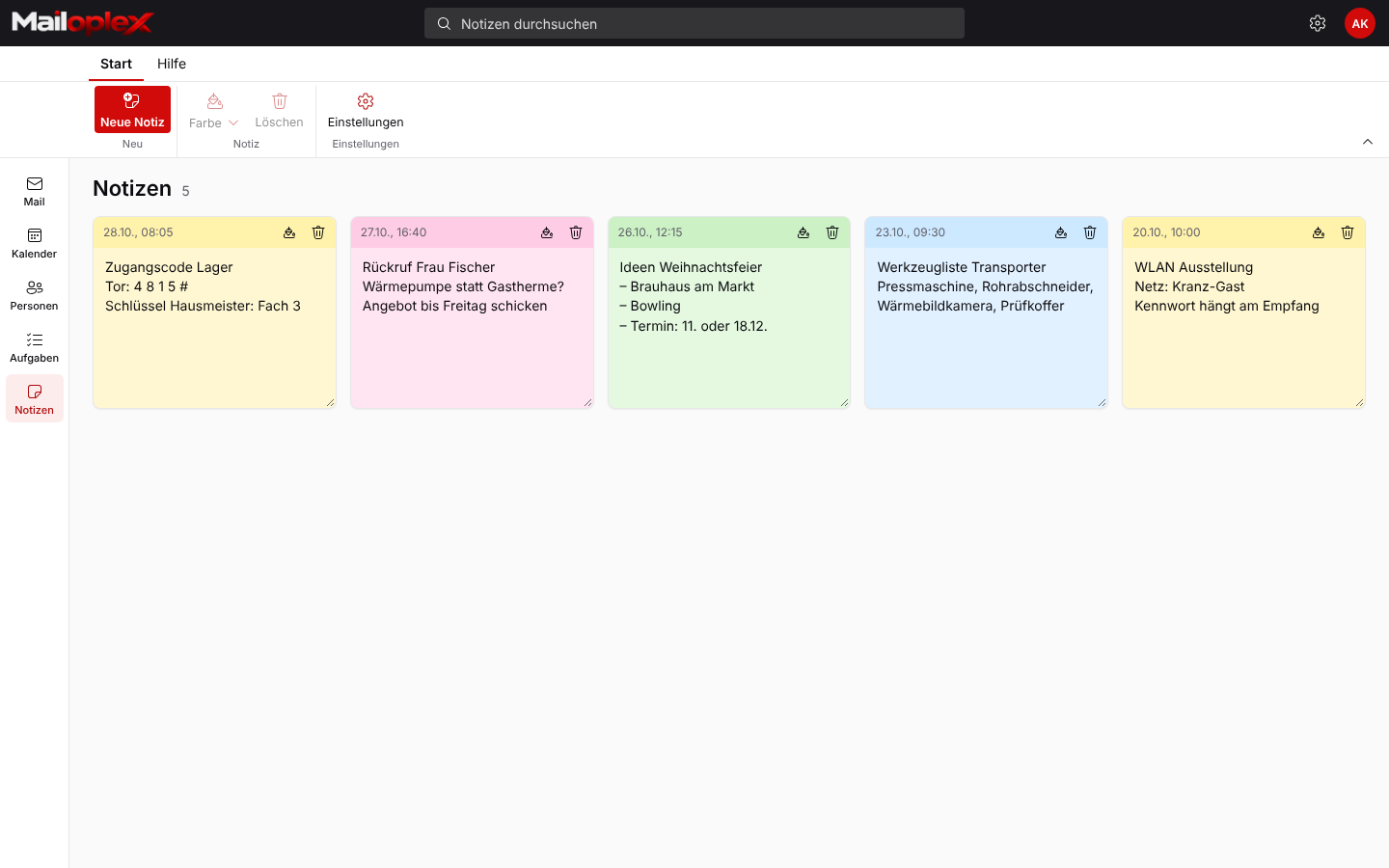
Coloured notes for access codes, callbacks or shopping lists. In Outlook for Windows they appear under Notes.
- Colours for organising
- Sync with Outlook
- Search across all notes
Settings
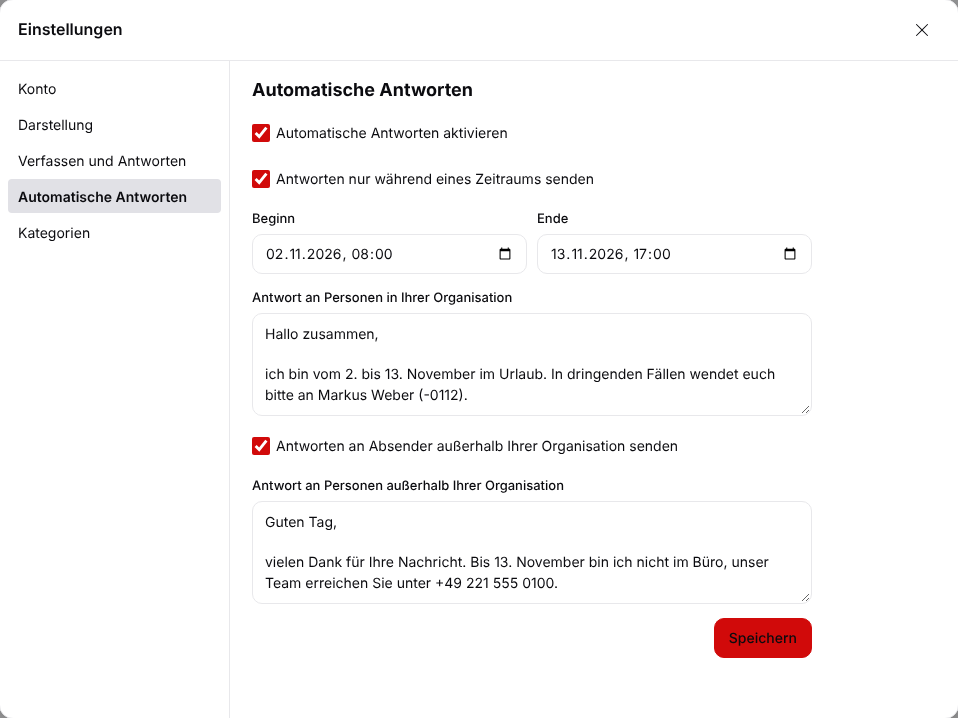
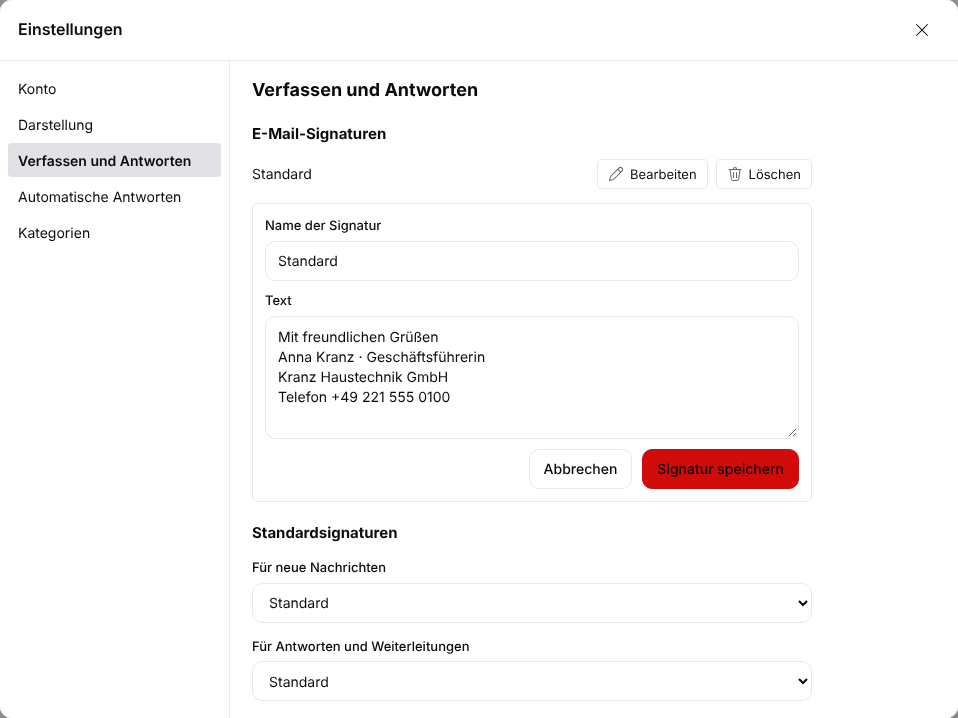
Manage out-of-office and signatures yourself
Every employee sets their own out-of-office reply and signatures. No need to call IT.
- Out-of-office reply with date range
- Separate texts for internal and external
- Several signatures, separate for new emails and replies
- Categories with your own colours
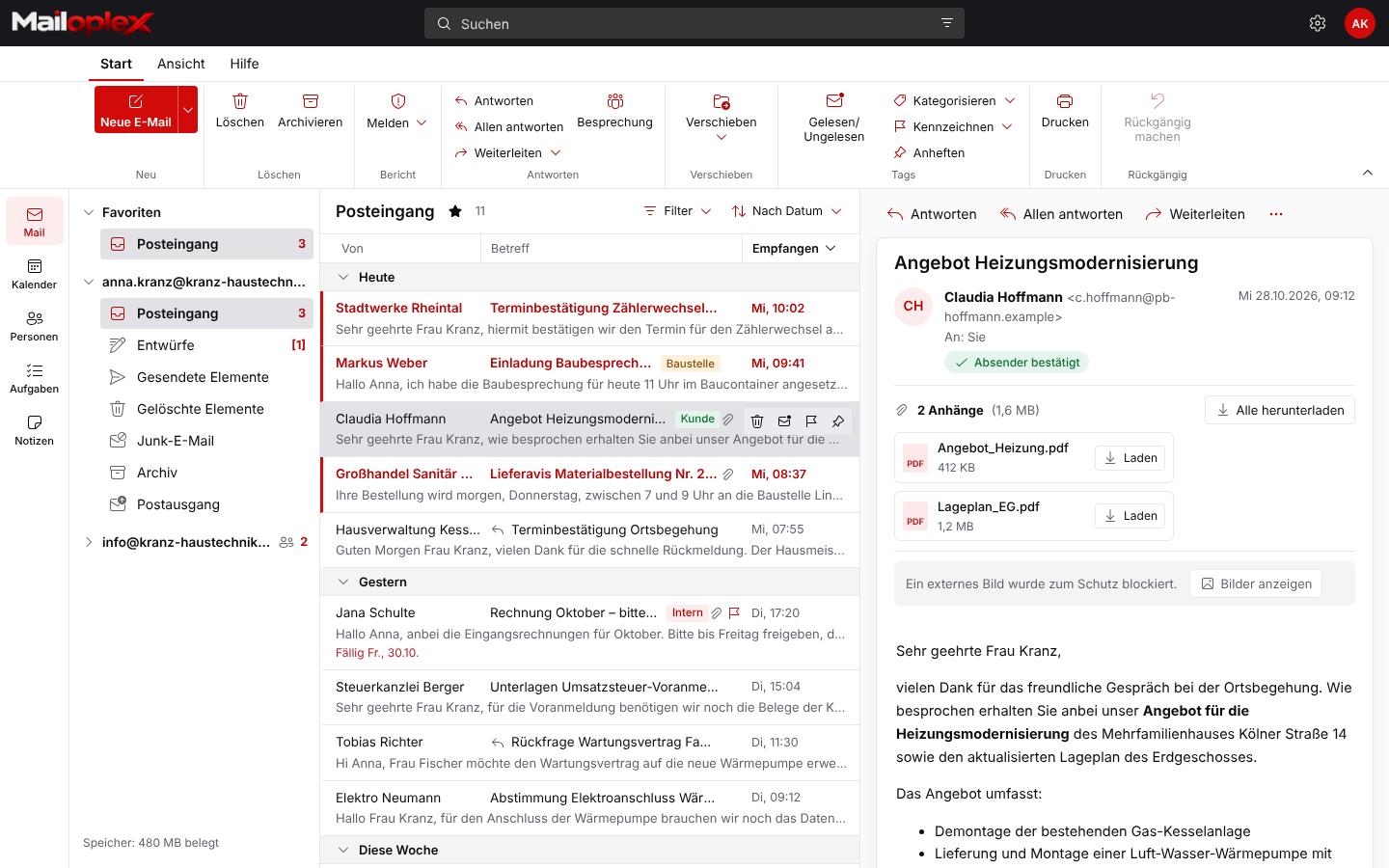
Appearance
Light or dark, whatever is comfortable
Mailoplex Web follows your computer’s setting or can be set to light or dark permanently.
- Dark mode is easy on the eyes in the evening
- Light for easy reading in the office